🌐 Multi Language
🔒 Access Restriction: This page is accessible only to users with the
power_userrole.
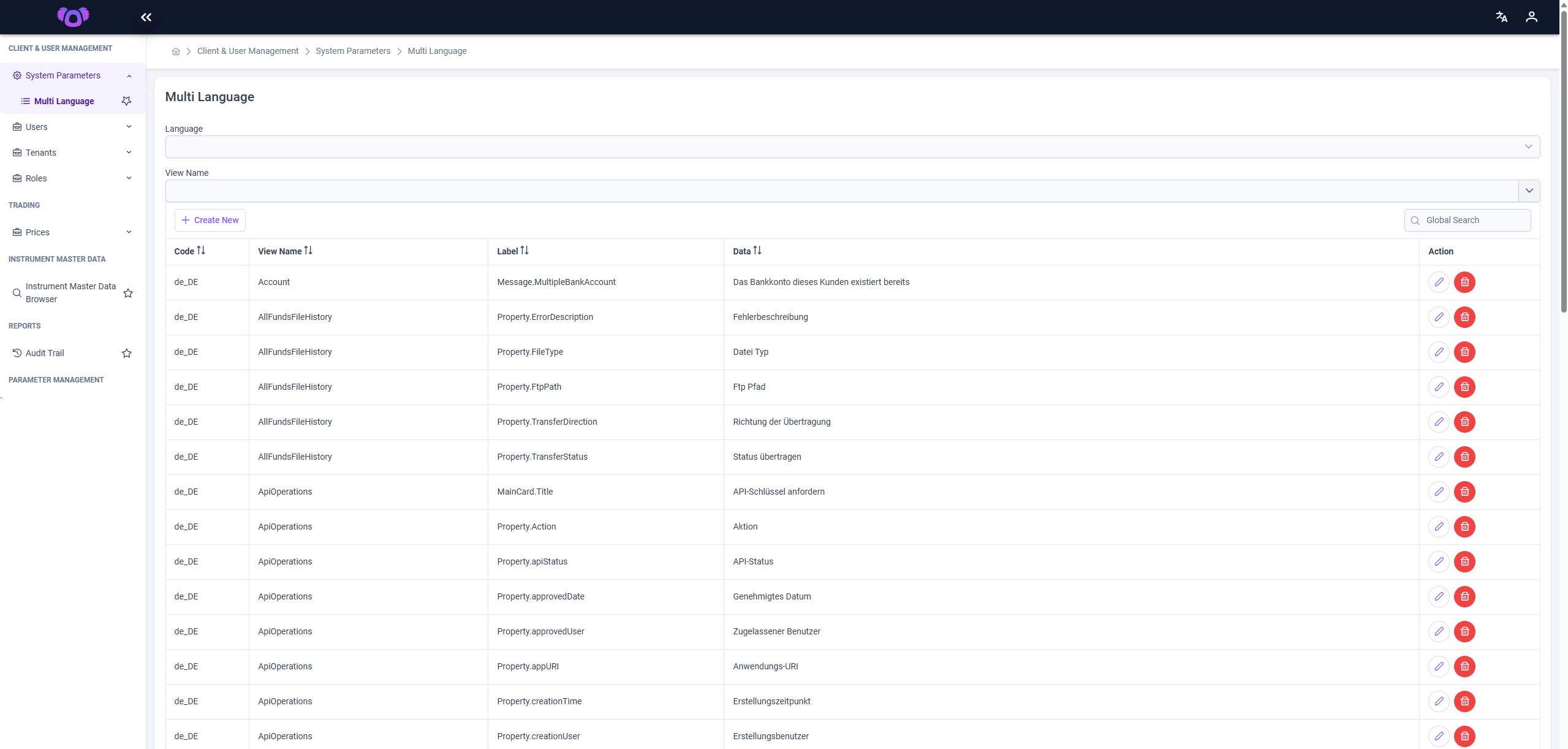
The Multi Language Definitions page provides a centralized interface for viewing and managing all multi-language text entries used across the system.
✏️ Editing Entries
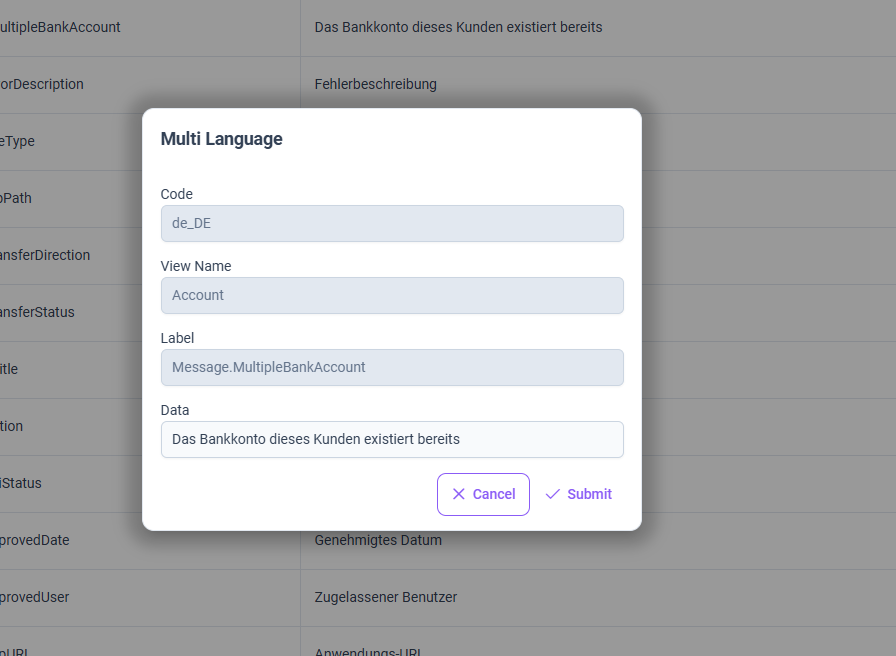
- Use the pen icon in the Action column to edit the Data field.
- The Code, View Name, and Label fields are read-only after creation.
🗑️ Deleting Entries
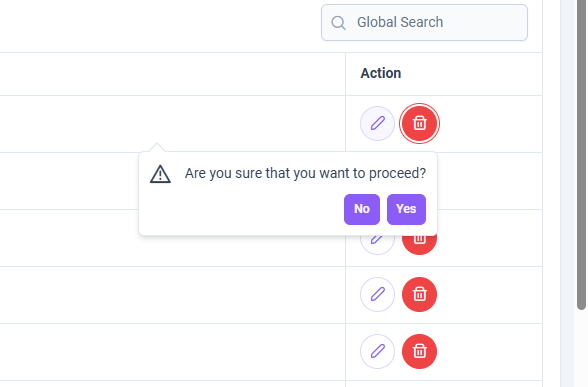
- The trash icon deletes the selected entry only for the language currently selected in the dropdown menu.
- If the entry exists in multiple languages, it must be deleted individually per language.
➕ Creating a New Entry
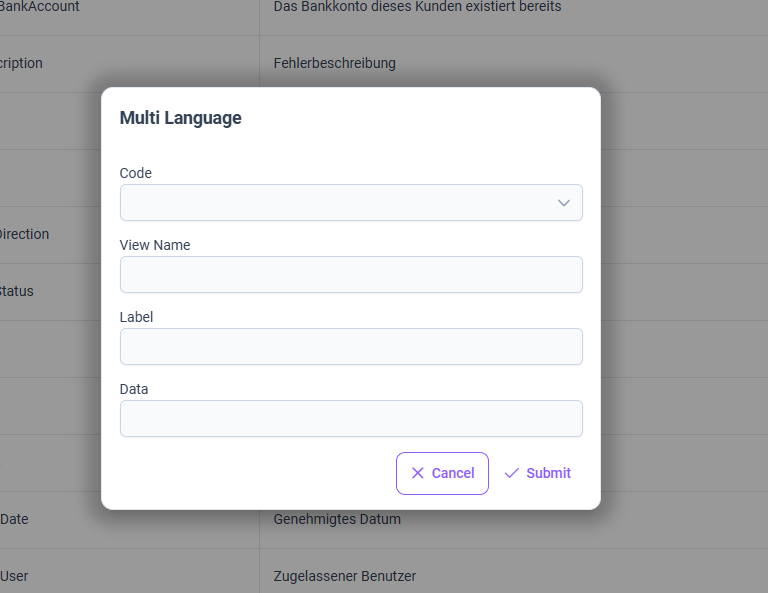
Click the Create New button to open the modal. You must provide the following information:
CodeView NameLabelData
Once submitted, the entry is created for the currently selected language.
To add translations for other languages, repeat the process by selecting a different language from the dropdown.