Adjustment Approvals
✅ Adjustment Approvals
The Adjustment Approvals section provides a centralized interface for reviewing and approving various adjustment requests submitted in the system.
It ensures that any changes to account balances, limits, or withdrawals go through a proper authorization workflow before being finalized.
This mechanism helps maintain control, accountability, and compliance with operational and regulatory requirements.
⚠️ Important: Approval actions on these pages can only be performed by users with the Tenant Management role.
Below are the available approval types, each linked to their respective functionality.
📄 Approval Types
-
🏦 Withdrawal Request
Approve or reject withdrawal requests made by clients from their accounts. -
💶 Disposition Limit Update
Approve or reject requests to adjust the disposition limit of an account. This limit defines the maximum available amount for operations. -
🔄 Internal Account Balance Adjustment
Approve or reject adjustments to the balance of internal (system) accounts. -
💰 Deposit Account Adjustment
Approve or reject adjustments submitted for deposit accounts, such as trade-related or manual corrections.
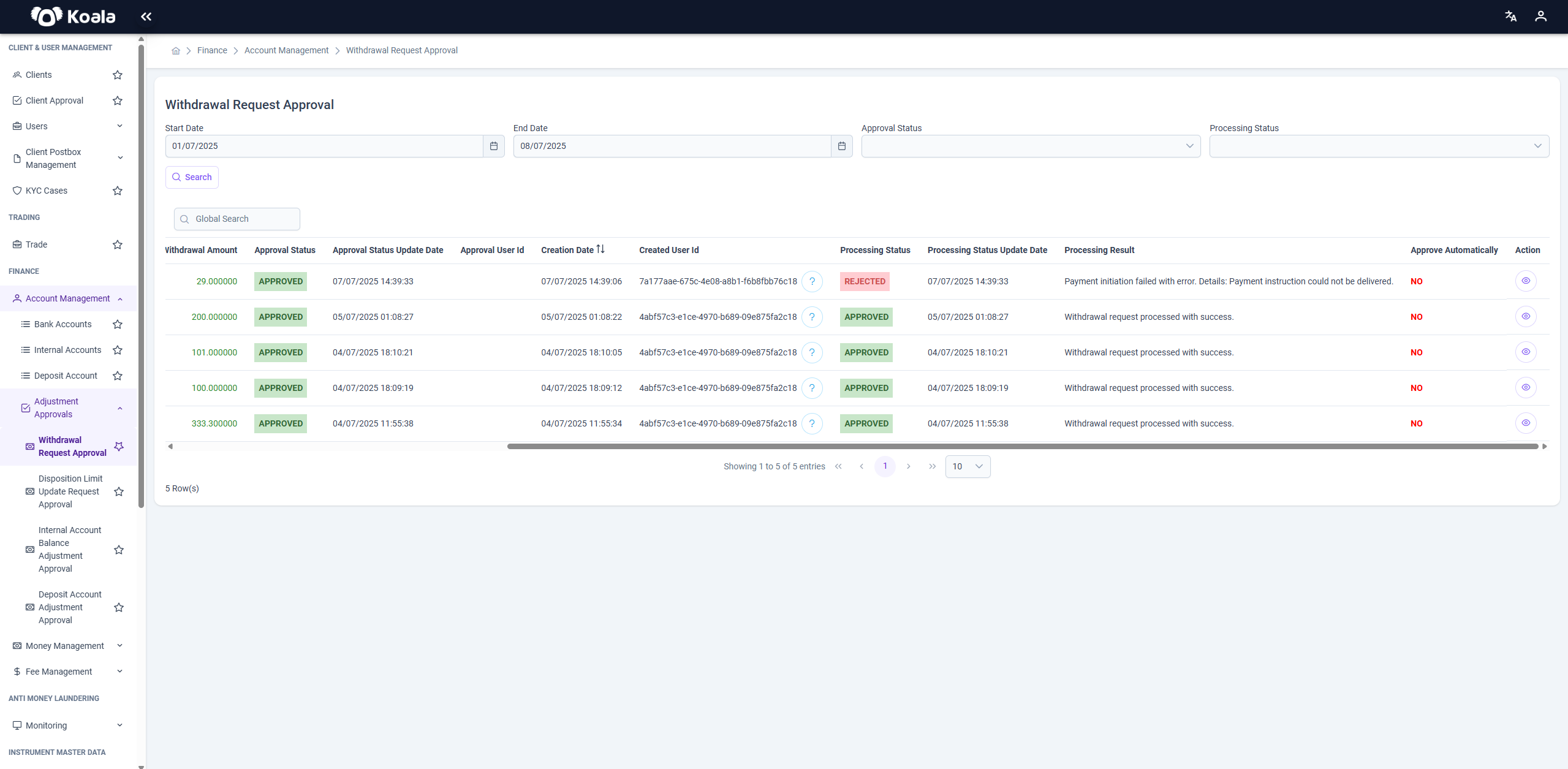
🏦 Withdrawal Request
On this page, withdrawal requests submitted by clients are listed. Authorized users can review each request’s details and either approve the withdrawal or reject it if necessary.
Additionally, you can filter the list of requests using the following search criteria:
- Start Date and End Date — to define a date range for the requests.
- Approval Status — to filter by approved, rejected, or pending requests.
- Processing Status — to filter by the processing state of the request.
In the Actions column of the request list:
- Users with the Tenant Management role will see Approve and Reject buttons, enabling them to take decisions on the request.
- Users without the Tenant Management role will only see the Peek Internal Account button, allowing them to view details of the internal account without taking action.
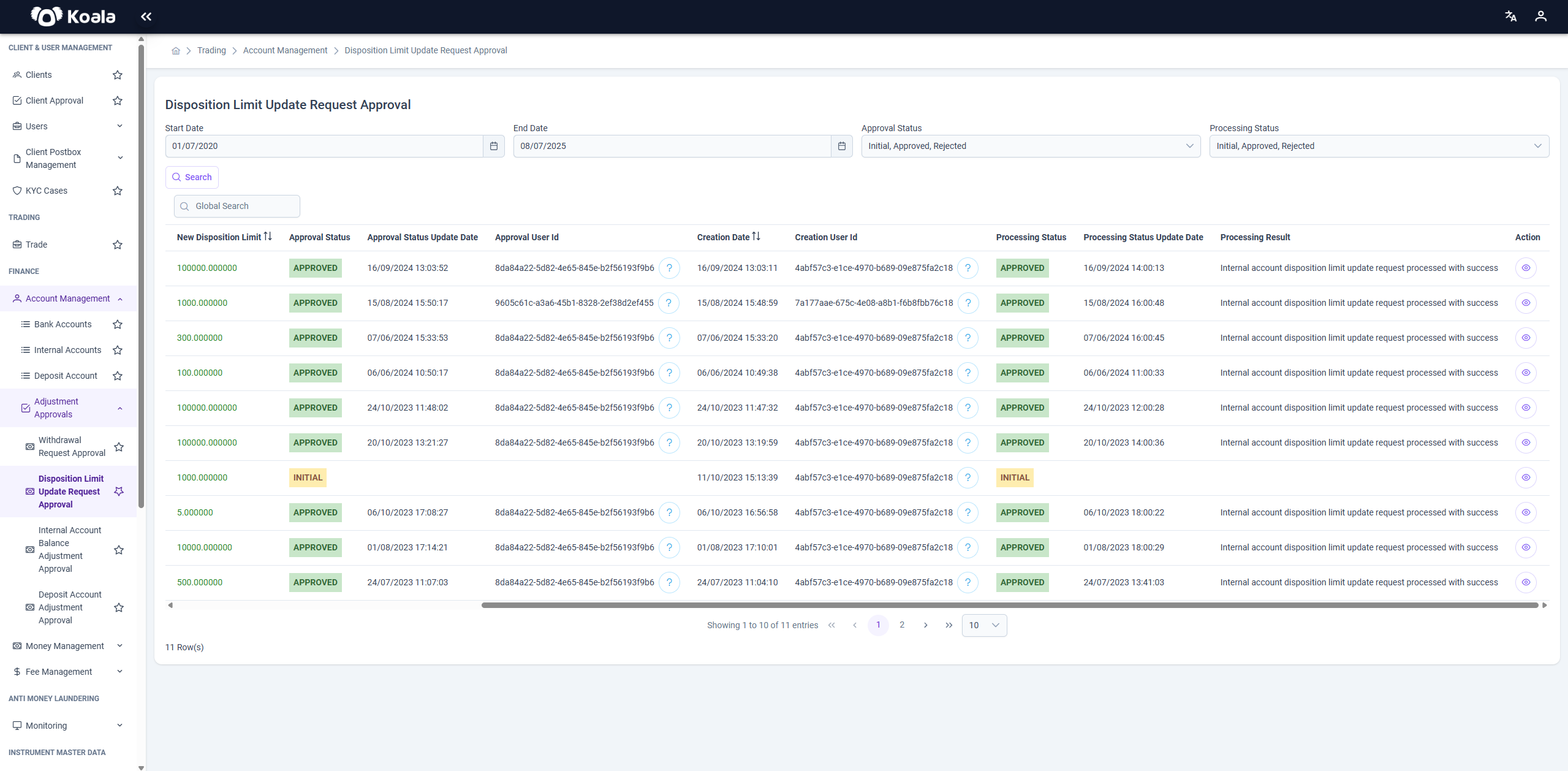
💶 Disposition Limit Update
This page allows authorized users to review and approve or reject submitted requests to change the disposition limit of an account. The requested new limit is displayed alongside the current limit for comparison.
Additionally, you can filter the list of requests using the following search criteria:
- Start Date and End Date — to define a date range for the requests.
- Approval Status — to filter by approved, rejected, or pending requests.
- Processing Status — to filter by the processing state of the request.
In the Actions column of the request list:
- Users with the Tenant Management role will see Approve and Reject buttons, enabling them to take decisions on the request.
- Users without the Tenant Management role will only see the Peek Internal Account button, allowing them to view details of the internal account without taking action.
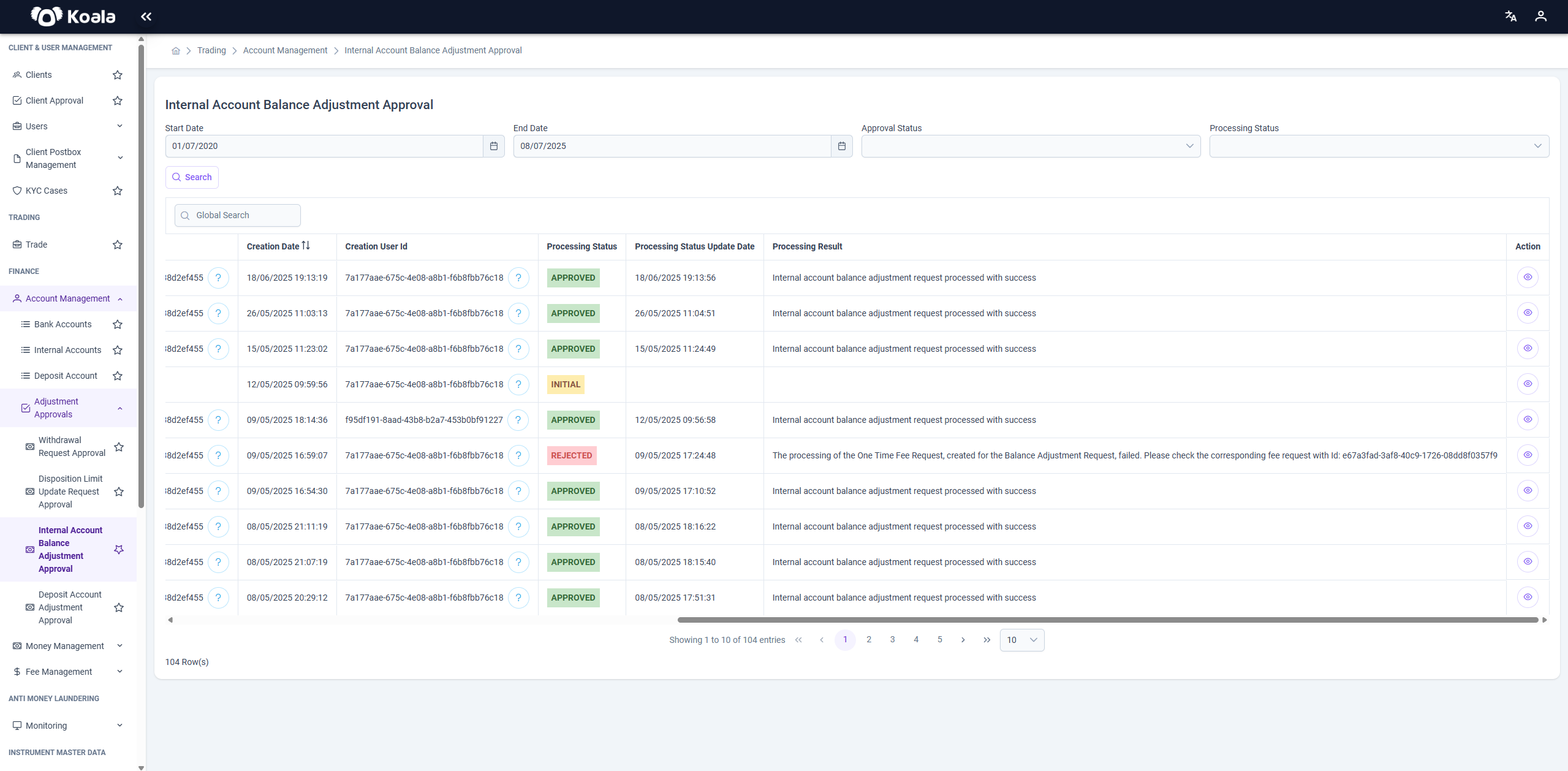
🔄 Internal Account Balance Adjustment
This page is used to process approval of balance adjustments requested for internal system accounts. All relevant transaction details and justifications are available for review.
Additionally, you can filter the list of requests using the following search criteria:
- Start Date and End Date — to define a date range for the requests.
- Approval Status — to filter by approved, rejected, or pending requests.
- Processing Status — to filter by the processing state of the request.
In the Actions column of the request list:
- Users with the Tenant Management role will see Approve and Reject buttons, enabling them to take decisions on the request.
- Users without the Tenant Management role will only see the Peek Internal Account button, allowing them to view details of the internal account without taking action.
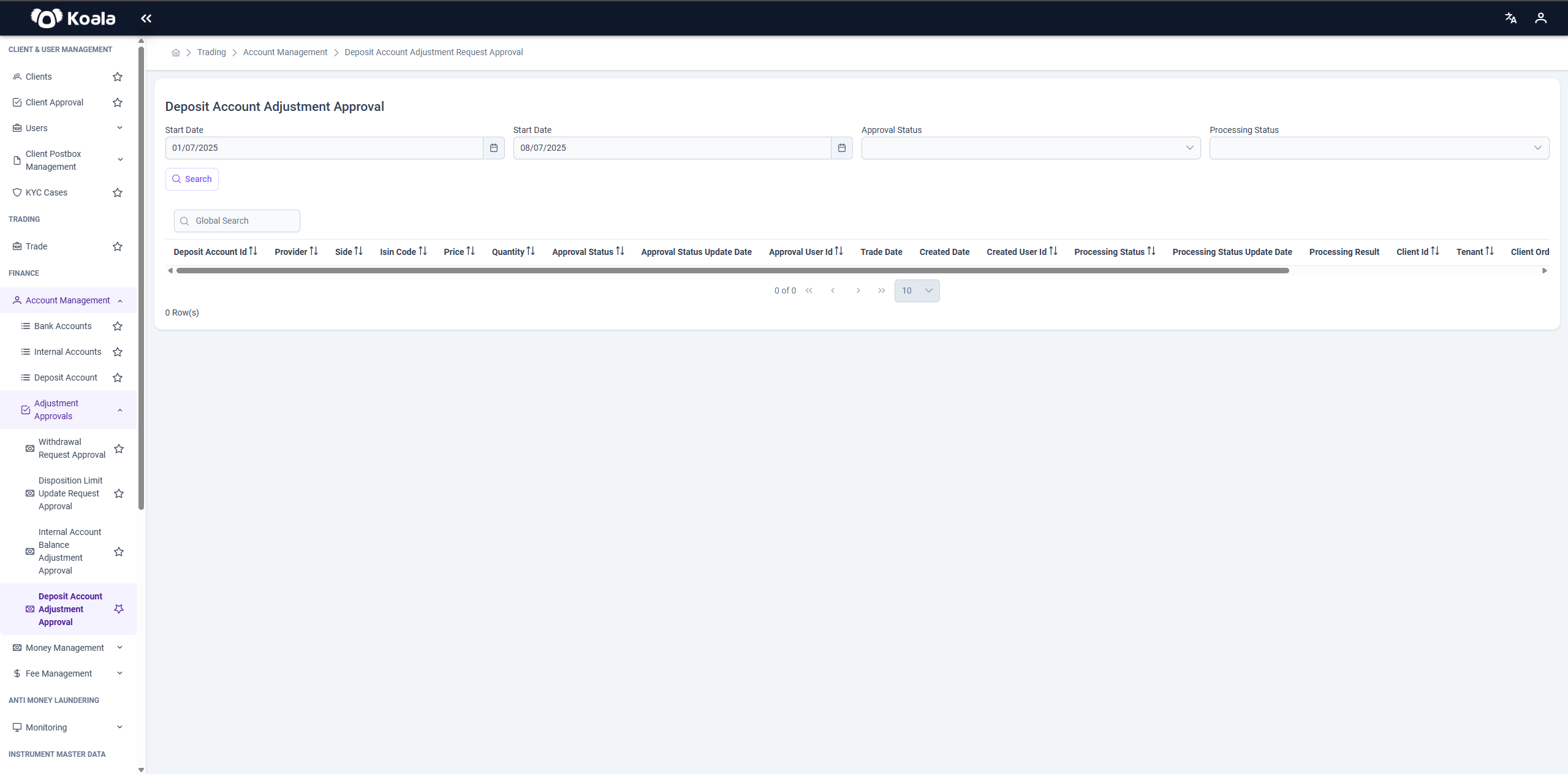
💰 Deposit Account Adjustment
This page lists adjustment requests related to deposit accounts, such as corrections, regulatory trades, or manual trade entries. Review the details carefully and approve or reject accordingly.
Additionally, you can filter the list of requests using the following search criteria:
- Start Date and End Date — to define a date range for the requests.
- Approval Status — to filter by approved, rejected, or pending requests.
- Processing Status — to filter by the processing state of the request.
In the Actions column of the request list:
- Users with the Tenant Management role will see Approve and Reject buttons, enabling them to take decisions on the request.
- Users without the Tenant Management role will only see the Peek Internal Account button, allowing them to view details of the internal account without taking action.
This structure ensures that all financial and operational adjustments are properly validated, minimizing the risk of errors or unauthorized changes.